
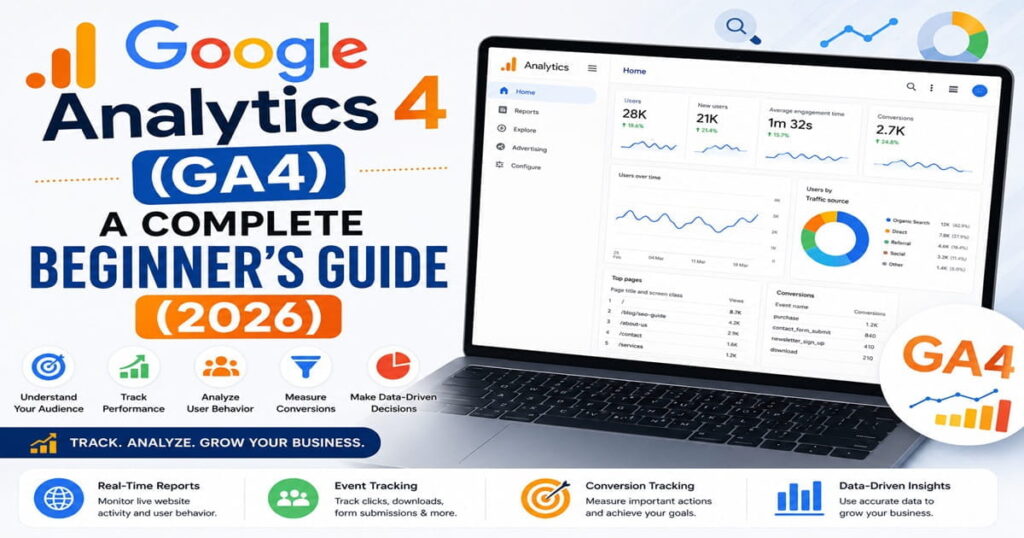
What Is Google Analytics 4 (GA4)?
Google Analytics 4 (GA4) is a free analytics software designed by Google to help website owners analyze their websites and apps’ activity. Using GA4, one can measure user engagement, conversions, traffic sources, and overall website performance.
While in comparison with the previous version of the tool GA4 measures the activity not by sessions but by the number of events, thus providing more detailed information about users’ interaction with your website.
It does not matter whether you have a blog, business website, or online shop – GA4 will help you make data-based marketing decisions.
Why Is Google Analytics 4 Important?
Knowing your visitors well enough is crucial for website growth. GA4 can provide you with detailed reports about traffic sources, user activity, and pages that work the most efficiently for you.
The main advantages of using GA4 are the following:
- Website visitors tracking
- User engagement measuring
- Conversion monitoring
- Traffic sources identification
- SEO optimization
- Data-driven decision making
How Does GA4 Function?
Google Analytics 4 will collect data once you install the tracking tag on your website.
It is pretty straightforward:
- Set up a GA4 account.
- Install the tracking code on your website.
- Collect data.
- Get reports from the GA4 interface.
- Analyze user behavior.
- Make changes to the website based on data insights.
Features of Google Analytics 4
Live Website Activity Report
Keep track of active users, page views, and traffic sources.
Events Tracking
Track events such as button click, download, video views, and form submission.
Audience Report
Know who your visitors are by knowing their location, devices, language, and interest.
Traffic Acquisition Report
See how visitors get to your website, whether through search engines, social media, referrals, and direct traffic.
Conversion Tracking
Monitor conversions such as purchases, contact form fills, signing up for newsletters, etc.
Cross-Device Tracking
GA4 will be able to track user actions across multiple devices, thus creating a more accurate reporting.
Advantages of Google Analytics 4
Know Your Visitors
Learn who is visiting your website and what are their interactions with your web page.
Optimize Your Webpage
Find out which pages have high bounce rate and optimize them accordingly.
Evaluate Marketing Campaigns
Measure the performance of SEO, Google Ads, email marketing, social media campaigns, etc.
Boost Conversions
Use your visitors’ behaviors to enhance your landing pages and website.
Make Smarter Marketing Decisions
With the help of analytics, businesses can now make informed decisions regarding marketing and not just guesswork.
How to Implement Google Analytics 4
Make a Google Analytics Account
Log in to your Google account and create a new GA4 account.
Add Your Website
Enter the name and URL of your website during the creation of your GA4 account.
Embed Your Tracking Code
Embed GA4 tracking code to your website using your website building tools.
Confirming Data Collection
Open your Real-Time report to make sure you have the data about the visitors’ actions collected.
Setting up Conversions
Highlight conversions like purchase of products or filling out of contact forms.
GA4 Common Mistakes
- Installing incorrect tracking code
- Neglecting data collection verification
- Not setting up conversions tracking
- Neglecting event tracking
- Not analyzing reports on a regular basis
- Making decisions without sufficient data
These mistakes should be avoided in order to get accurate reports.
GA4 Best Practices
- Regularly check your reports.
- Track important events.
- Check the sources of traffic.
- Install conversions tracking properly.
- Regularly check Real-Time reports after updates.
- Connect GA4 to Google Ads.
- Use data for improving content and SEO.
- Analyze user behavior prior to making website changes.
Conclusion
Google Analytics 4 is among the best resources for monitoring website performance. This platform will provide detailed information regarding visitor behavior, marketing efforts, conversions and other aspects that may help you improve your website.
For both beginners and experienced marketers Google Analytics 4 is one of the most useful resources.
FAQ (Frequently Asked Questions)
What is Google Analytics 4 (GA4)?
GA4 is Google’s newest web analytics solution.
Is GA4 free?
Yes. GA4 is free of charge to most sites and businesses.
What can GA4 measure?
GA4 can measure users, pages viewed, actions performed, conversions made, traffic sources, and other engagement statistics.
Is GA4 better than Universal Analytics?
Yes. GA4 can be used for event measurement, cross-device reports, and better privacy management.
Does one need Google Analytics as a beginner?
Yes. GA4 makes it possible for beginners to measure website performance.
Read More…….
What is Digital Marketing? Complete Beginner Guide (2026)
LinkedIn Marketing: A Complete Beginner’s Guide (2026)
YouTube Marketing: A Complete Beginner’s Guide (2026)
Instagram Marketing: A Complete Beginner’s Guide (2026)
Facebook Marketing: A Complete Beginner’s Guide (2026)
Google Ads: A Complete Beginner’s Guide (2026)
What Is PPC (Pay-Per-Click) Advertising? A Complete Beginner’s Guide (2026)
What Is Social Media Marketing? A Complete Beginner’s Guide (2026)
What Is Affiliate Marketing? A Complete Beginner’s Guide (2026)
What Is Email Marketing? A Beginner’s Guide to Growing Your Business